
Peak-time service: queues, hours, and automatic replies
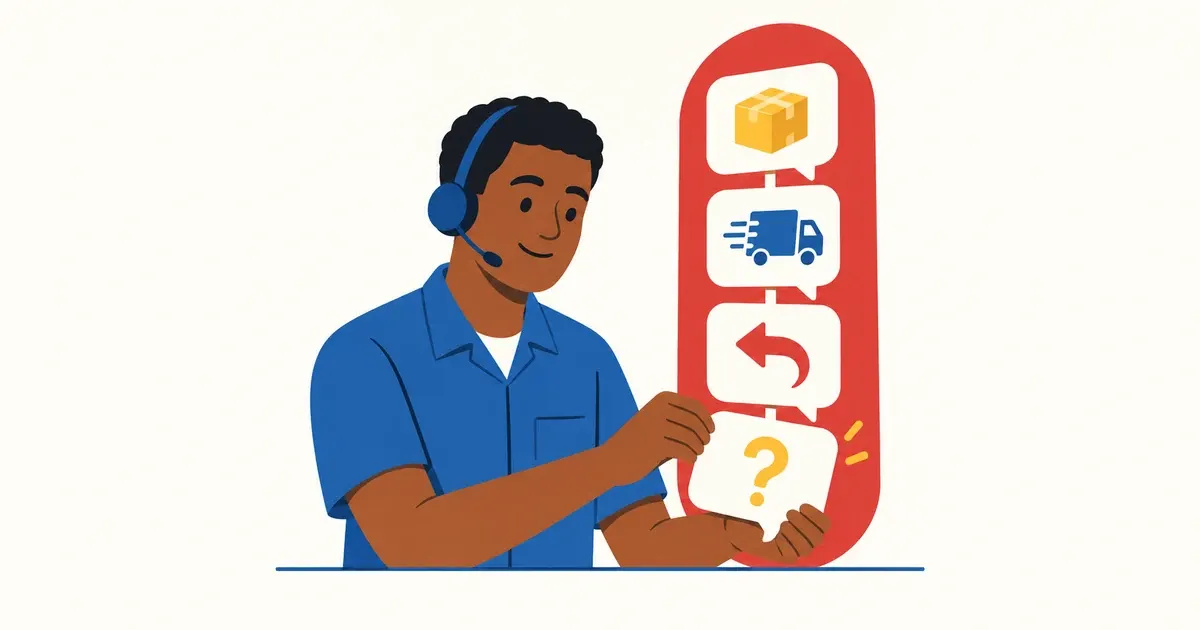
Photo: Avila Ops Tecnologia
At peak times, service holds up when you define beforehand: one queue so messages do not get lost between phones; published hours so customers know when humans answer; automatic replies for repeated questions so people handle only human tasks. Without this, Black Friday becomes 200 unread messages and customers publicly complaining nobody answered.
Build this in October: automatic replies need careful writing and testing, and November leaves no time for care.
How do you organize the queue?
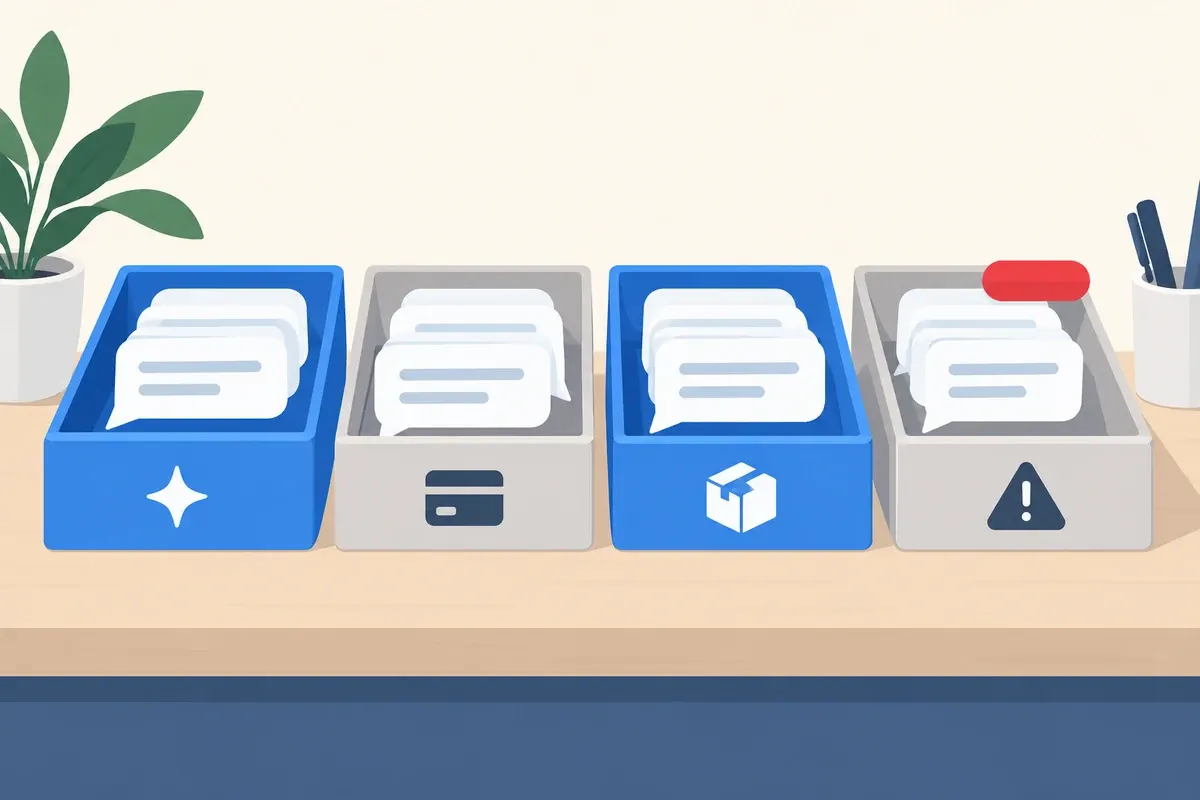
Photo: Avila Ops Tecnologia
One business number in WhatsApp Business, not staff personal phones. If two or three people reply, the Business app supports up to four linked devices through WhatsApp Web or Desktop on the same number. Assigning conversations individually requires WhatsApp Business API or a tool built on it. The guide regular WhatsApp or Business API explains when each fits.
Tag conversations by status: “new,” “awaiting payment,” “order shipped,” “problem.” Every morning and late afternoon, review oldest to newest, not loudest to quietest. Conversations unanswered over two business hours are the first number to check.
What hours should you publish?
Hours you honor. “Monday through Friday, 9 a.m. to 6 p.m., Saturday 9 a.m. to 1 p.m.” beats “24-hour service” answering at 10 a.m. next day. Publish in WhatsApp Business descriptions, website footers, and after-hours replies.
Extend hours during Black Friday week and publish the extension. Night buyers want to know whether 10 p.m. questions receive answers at 10:30 p.m. or 9 a.m. Both are acceptable; silence is not.
What should be answered automatically?
Five common campaign questions, with ready replies and a path to a person if unresolved:
- Delivery and shipping: “Enter your postal code on the product page for timing. During Black Friday, it is X business days after payment.”
- Failed coupon: “Check for spaces in the code and whether the order meets the minimum. If it still fails, send a screenshot and I’ll fix it.”
- Paid order without confirmation: “Pix confirms immediately; boletos within 3 business days. Send your order number so I can check.”
- Where is my order: “Tracking was sent by email and here. If you did not receive it, send your order number.”
- Exchanges and returns: “You have 7 days from receipt to withdraw from the purchase. Defective products have longer deadlines. Steps are at [link].”
Automatic replies answer rather than dodge questions. Each ends with what to do if unresolved. The guide automatic messages that do not sound robotic covers tone; WhatsApp automation connects it to orders.
| Situation | Responder |
|---|---|
| Timing, shipping, tracking, coupons, exchanges | Automatic, with human exit |
| After hours | Automatic: hours and what to do meanwhile |
| Wrong order, broken product, complaint | Person within two hours |
| Angry customer or threat of public complaint | Owner the same day |
What to do now
Write the five replies with your times and links, save as WhatsApp Business quick replies, and test with an outsider for a week. Define and publish hours. If one person cannot cope and the API fits, we configure quick replies without staying awake: avilaops.com/automatizar-whatsapp or contact us on WhatsApp: wa.me/5517997811471.
Frequently asked questions
Do automatic WhatsApp replies drive customers away?
When they answer nothing beyond “we will reply soon,” yes. When answering immediately and offering a person if needed, customers prefer them: they wanted information, not conversation.
How many messages can one person handle daily?
It depends on type. With five common questions automated, an organized person resolves several dozen human-required conversations daily. Without automation, that time goes into repeating timing and shipping.
Do I need the WhatsApp API for Black Friday?
For one person on one phone, Business quick replies and away messages suffice. For two or three on one number, linked Business devices suffice too. For assigning conversations or order-connected automatic messages, use the API.
Turn what you learned into your next step.
Tell us about your company and what you want to improve. We can explore the right tools, integrations or custom project together.