
ERP · From foundations to results
Your operations, under control.
Products, purchasing, sales and finances in one place. Organize daily operations and follow every step with your team.
Connections, made clear
A sale connected to the decisions that follow.
Understand a sales operation from entry through review.
- OrderRecord the items, quantities and sale details.
- InventoryCheck availability and discrepancies.
- FinanceOrganise the operation’s financial information.
- ExecutionRoute approved work to the responsible team.
- ReviewReview records and handle required adjustments.
- Order. Record the items, quantities and sale details.
- Inventory. Check availability and discrepancies.
- Finance. Organise the operation’s financial information.
- Execution. Route approved work to the responsible team.
- Review. Review records and handle required adjustments.
Order
Record the items, quantities and sale details.
Build a sales order
Try it with sample data.
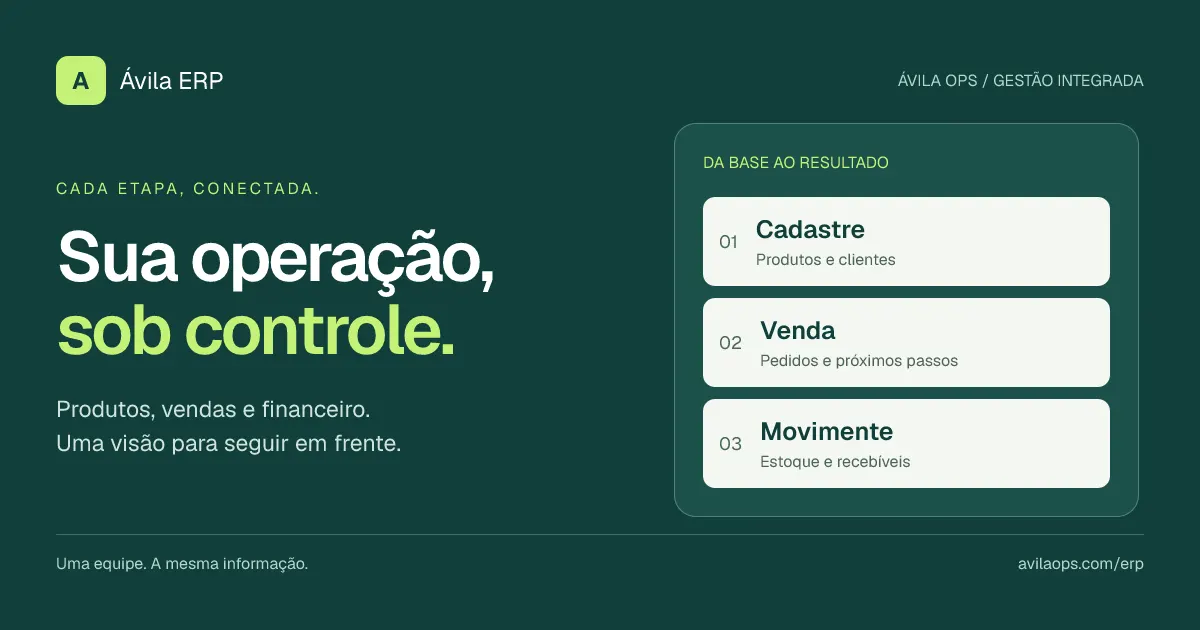
Photo: Avila Ops Tecnologia
One team. The same information.
Start with your records, organize orders and track inventory and receivables. Every step has its place in your operation.
The essentials to move forward.
ERP connects the departments that keep your company running.
Products and inventory
Organize your catalog, check balances and track incoming and outgoing stock.
Purchasing and sales
From records to orders, follow the next steps using the same information.
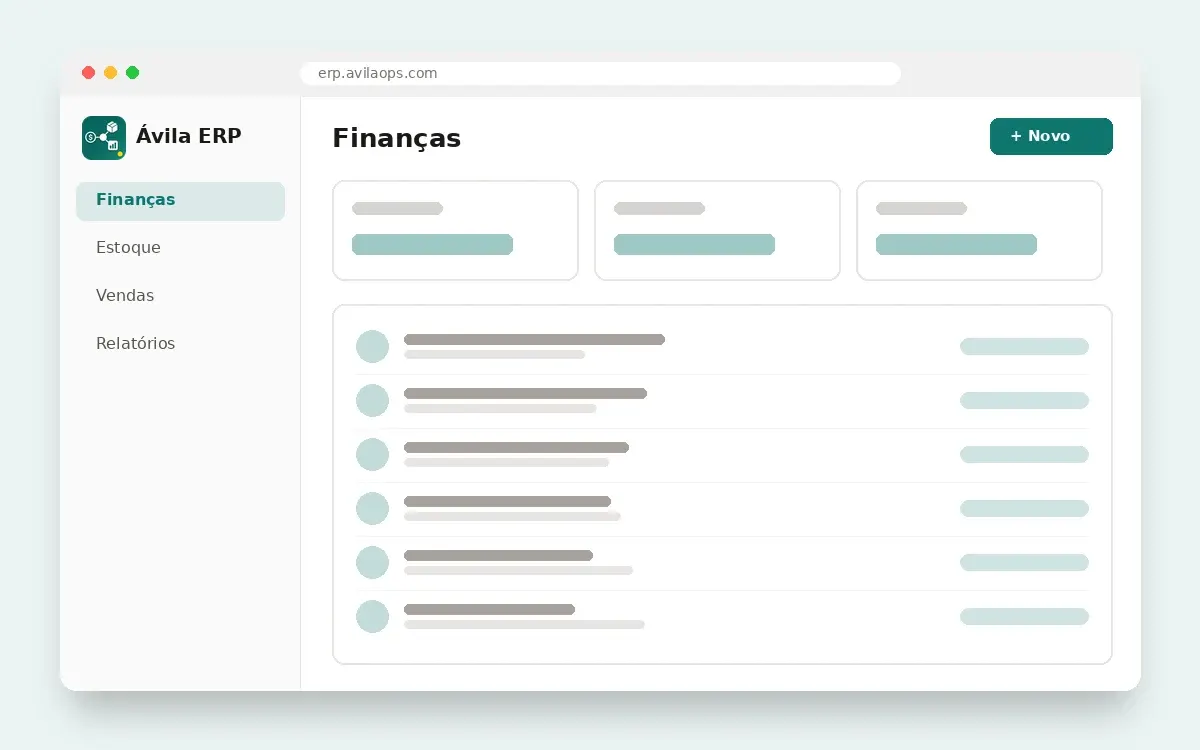
Finances
Check accounts payable and receivable and track the financial entries linked to your operations.
From implementation to everyday operations.
-
Set up your records.
Products, customers, suppliers and accounts.
-
Run daily operations.
Record sales, purchases and stock movements.
-
Track your results.
See finances, inventory and sales together.
Part of the Avila Ops ecosystem.
ERP works alongside Mail, CMS, CRM, E-Commerce and TMS so management stays connected to your entire business operation.
Talk to us
Want to bring your company’s management together with ERP? Send us a message and let’s talk.
- Email [email protected]
Frequently asked questions
What do integrated modules mean?
Finances, inventory and sales share the same information, avoiding duplicate work across departments.
How much does it cost?
Pricing depends on your company’s size and needs. Contact our team at [email protected] to put together a tailored plan.
Can I migrate what I use today?
Tell our team what your company currently uses for finances, inventory and sales. Together, we assess what can be moved to ERP and how to make the transition.
How does support work?
Support is provided by the Avila Ops team. For questions or help, email [email protected].
What about security and my company’s data?
We handle your company’s data carefully and with regard to Brazil’s General Data Protection Law (LGPD). If your company has specific security requirements, talk to our team.
Does ERP work with the other Avila apps?
ERP is part of the Avila Ops ecosystem alongside Mail, CMS, CRM, E-Commerce and TMS. Talk to our team about combining apps in your operation.
How do I get started?
Contact us using the email on this page and we will agree on the next steps.
Unified management. A shared view.
Connect your operations with ERP.