
Bundles and kits: increase order value without giving discounts

Photo: Avila Ops Tecnologia
A kit is two or more products sold together for one price, meeting a complete customer need. A bundle applies the same principle to services or food. Both increase average order value because customers buy more items at once, and protect margin because perceived benefits come from convenience and packaging rather than price cuts.
Kits bring low-margin products into campaigns, move slow stock, and raise average orders without a discount war only large stores can afford.
How do you choose kit contents?
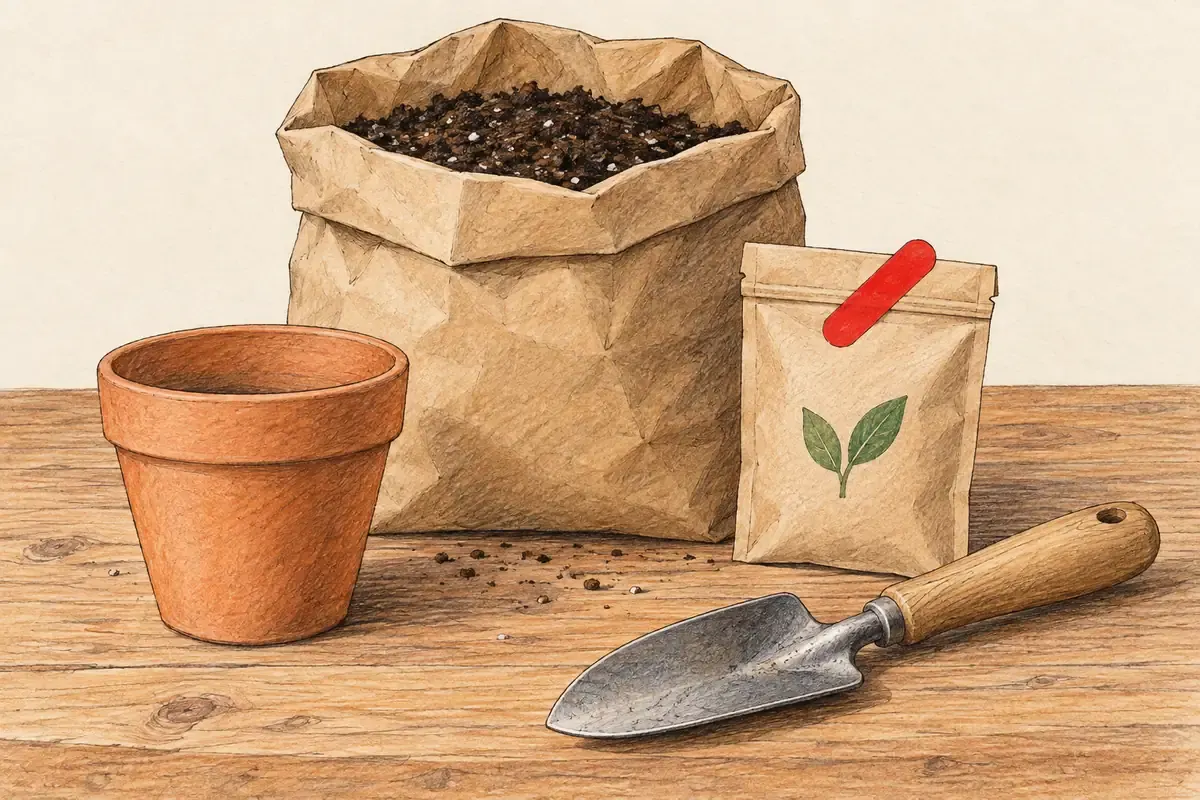
Photo: Avila Ops Tecnologia
By usage logic, not inventory. Customers buy kits when items make sense together: shampoo and conditioner, candle and decorative matches, shirt and cap, pet food and treats. Unrelated items look like what they are: an attempt to push leftovers.
A good combination joins a product customers already want, which brings them to the store, with one or two high-margin products they would not think of buying alone. The profit margin guide shows how to identify each. The best-performing types:
- Complete-use kit: everything needed to begin. A plant store’s “first-care kit”: pot, growing medium, fertilizer.
- Replenishment kit: multiple units of one product at a slightly lower unit price. Three soaps at a price covering shipping.
- Gift kit: similarly priced products with packaging for someone buying for another person.
How do you price a kit?
Add each item’s cost and kit packaging. Add your desired margin for the set. Compare with individual prices: the kit should cost slightly less, between 5% and 15%, or the same while delivering something extra, such as gift packaging or shipping.
A cosmetics store sells serum at R$ 89 with 45% margin and moisturizer at R$ 49 with 25% margin. Separately they total R$ 138. The kit costs R$ 129 in a R$ 3 box. Kit margin is around 31%, and kit buyers spend R$ 129 in a store averaging R$ 70 per order.
| Serum | Moisturizer | Kit | |
|---|---|---|---|
| Price | R$ 89 | R$ 49 | R$ 129 |
| Cost | R$ 49 | R$ 37 | R$ 89 |
| Margin | 45% | 25% | 31% |
The kit is worthwhile because it contributes the same R$ 40 margin as serum alone while moving moisturizer that cannot support a standalone discount. Shipping and service costs are paid once rather than twice.
How should you display the kit?
As its own product, with a photo of items together, a purpose-based name, and contents listed beside individual prices so customers see the math. On each component page, add a “buy together” kit section. At checkout, suggest the completing item to customers with only one component.
Kit sales must deduct each component’s stock rather than separate kit inventory; otherwise, kits sell items already gone. The Black Friday inventory guide explains the risk. Kits become main campaign offers, and the Black Friday pricing guide shows how they replace straight discounts.
What to do now
Build two kits this week: a complete-use kit and a gift kit, with calculated margins. List them with component-linked stock and test purchasing. If your platform prevents this, see E-Commerce plans from Avila Ops: live in one day, without sales commission: avilaops.com/loja-virtual or contact us on WhatsApp: wa.me/5517997811471.
Frequently asked questions
Must kits cost less than products separately?
Not necessarily. They must offer a clear benefit: a slightly lower price, gift packaging, included shipping, or choosing once. Kits without benefits do not sell.
How many products belong in a kit?
Two or three. More makes the total price intimidating and increases the chance one item is unwanted. Large kits work only for replenishment of the same product.
Can kits include slow-moving products?
Yes, if they make sense alongside the best seller. Customers notice kits designed to push leftovers and do not return.
Connections, made clear
From order to delivery, with every step in view.
An example of connecting E-Commerce with your team’s day-to-day work.
- OrderThe customer chooses items and places an order.
- ValidationCheck the details and product availability.
- ManagementSend the validated order to ERP.
- FulfillmentThe team prepares and dispatches the items.
- CustomerKeep the customer informed about next steps.
- Order. The customer chooses items and places an order.
- Validation. Check the details and product availability.
- Management. Send the validated order to ERP.
- Fulfillment. The team prepares and dispatches the items.
- Customer. Keep the customer informed about next steps.
Order
The customer chooses items and places an order.
Turn what you learned into your next step.
Tell us about your company and what you want to improve. We can explore the right tools, integrations or custom project together.