
The fake Pix receipt scam

Photo: Avila Ops Tecnologia
The fake Pix receipt scam works like this: someone places an order on WhatsApp, asks for your Pix key, and instead of paying sends an edited receipt image with your name, the correct amount, and the current time. The person handling the order, in a hurry, sees the image and releases the product or service. The money never arrived. The defense: a receipt is not payment. Only the account statement proves it.
On Black Friday, the scam takes advantage of haste and volume. Someone handling 80 conversations will not check the statement for each one unless the process requires it. Write down that process in October.
How does the scam work in practice?
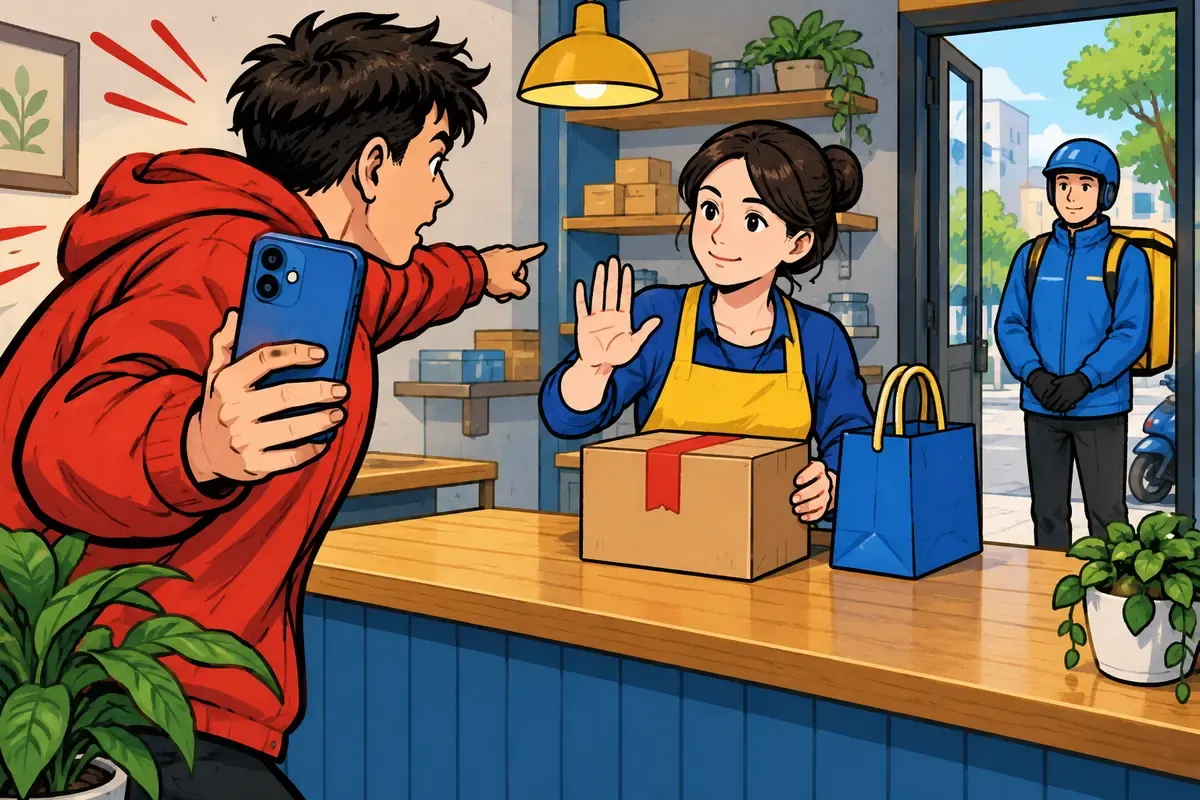
Photo: Avila Ops Tecnologia
The person chooses a product, negotiates quickly, and asks for the key. Minutes later, they send an image: “I’ve paid, here’s the receipt.” Sometimes they apply pressure: “I’m outside the store,” “the courier is already there,” “I need the pickup code now.” The image is a real receipt from another transaction with the details changed in an image editor, or one from a fake receipt generator, of which there are plenty.
Variations include a “scheduled Pix,” which is a scheduling screen rather than proof of payment and can be canceled an hour later; a receipt for a larger amount sent “by mistake,” with a request to return the difference through Pix when the original payment never existed; and a receipt for a transfer from a third party’s account, with a name different from the buyer’s, making verification harder.
What rule protects you?
Just one, without exceptions: release a product or service only after the money appears on the account statement, checked by someone with access to the bank. Not based on the image. Not based on a notification on someone’s phone, which can also be fake: apps exist that imitate bank notifications. Based on the statement.
This applies to in-store pickup, motorcycle courier delivery, shipping through Correios, and releasing services. It applies to established customers and new ones. An honest customer is not offended when you say, “I’ll just check the statement here, one moment.” The scammer disappears.
- Generate the Pix payment request through the store’s system or the bank, with the amount and order identifier, instead of sending a standalone key. The payment arrives linked to the order, and the system confirms it automatically.
- If the key is sent manually, a designated person with the bank app open checks the statement, rather than the person handling WhatsApp.
- Treat an image receipt as “pending”: the standard reply is “thank you, I’ll release it as soon as it arrives here.” If the payer’s name on the statement differs from the buyer’s, hold the release: in a triangulation scam, the Pix comes from a deceived victim who later requests the money back through MED, and the buyer will confirm anything. A Pix from a relative can be legitimate, so confirm with the account holder who paid using a contact that did not come from the buyer, or follow the intermediary’s risk policy. Without that confirmation, request payment from the buyer’s own account and return the received Pix using the bank’s refund function.
- Never return a “difference” before the original amount appears on the statement. If an excess amount really arrived, return it using the refund function for that specific received Pix in the bank app, never with a new Pix to an account the customer provides: if the original Pix is disputed later, refunding through the original transaction avoids paying twice.
- When in doubt, verification takes priority over the customer’s urgency.
During a Saturday promotion, an electronics store receives a receipt for R$ 1,890 for a phone, along with “courier arriving.” The attendant uses the standard reply and opens the statement: nothing. Ten minutes later, the “buyer” has blocked the number. Without the rule, the phone would have gone out the door.
How do you do this without slowing service during peak hours?
With system-generated Pix payments. When the store or payment link creates the payment request, the bank notifies the system as soon as the money arrives, and the order changes to “paid” automatically. Nobody checks images or opens statements; confirmation is automatic, and the customer receives a payment confirmation message. The guide to service during peak hours shows how this confirmation fits into automatic replies.
With cards, the similar risk is a chargeback, a refund forced by the bank. The defense combines the intermediary’s fraud screening with proof of delivery, which resolves “I didn’t receive it” claims but does not always resolve fraud claims.
What to do now
Write the rule in one sentence, put it on the customer service wall, and agree on who checks the statement. Save the standard reply in WhatsApp Business. If your store still sends standalone Pix keys and checks manually, this is one of the points we examine when assessing your exposure in a conversation: avilaops.com/contato or contact us on WhatsApp: wa.me/5517997811471.
Frequently asked questions
How can I tell whether a Pix receipt is fake?
Do not try to tell from the image; the fakes are convincing. Check the receiving account’s statement. If the amount is not there, the receipt is worthless, whatever it shows.
Is a scheduled Pix a payment?
No. It is a promise the payer can cancel before the scheduled date. Treat it as unpaid until the amount appears on the statement.
I fell for the scam. What should I do?
File a police report, keep the conversations and fake receipt, and notify your bank. If a physical delivery occurred, notify the carrier or motorcycle courier. Then write down the rule so it does not happen again.
Turn what you learned into your next step.
Tell us about your company and what you want to improve. We can explore the right tools, integrations or custom project together.