
What the checkout screen is and why it decides sales

Photo: Avila Ops Tecnologia
Checkout is where customers enter addresses, select payments, and confirm purchases. The last step before money leaves accounts. It decides sales because product desire already exists; customers assess effort and trust.
Checkout is the cheapest place to gain sales. No extra visits or ads needed. Get existing arrivals to finish. Every removed field and timely answer becomes paid orders.
What does good checkout need?
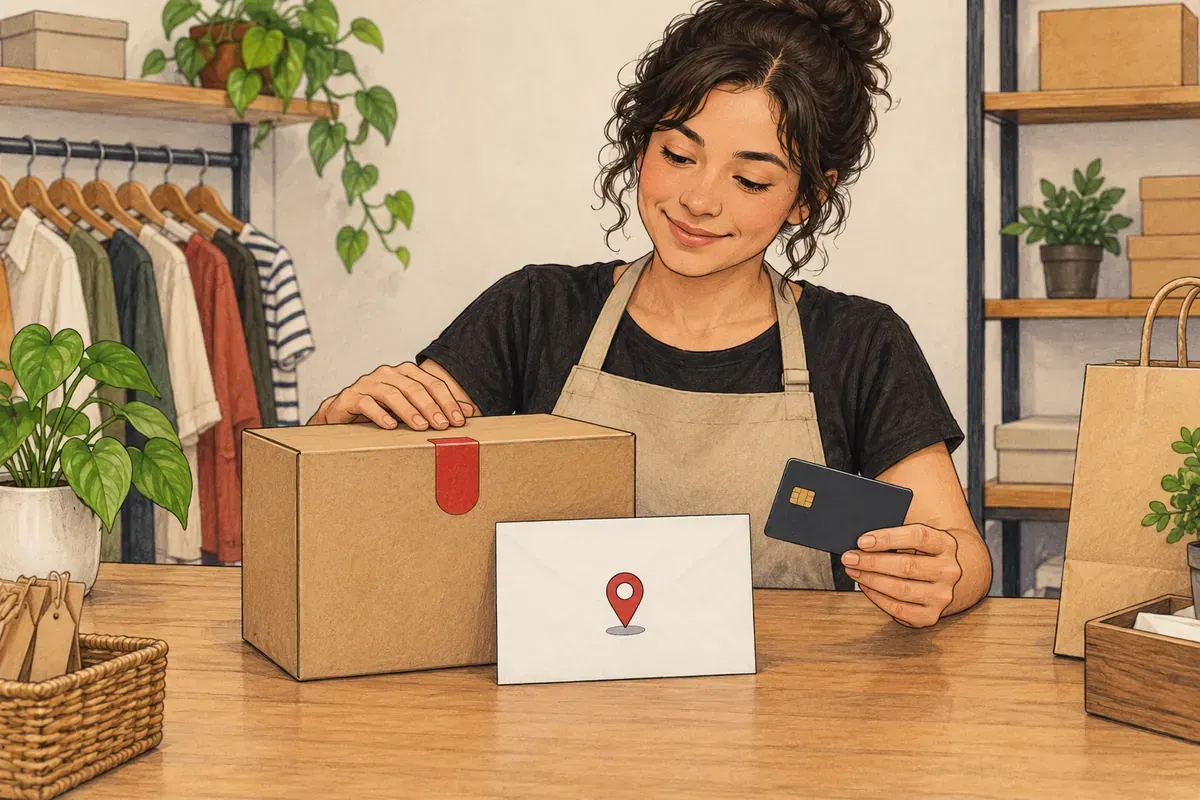
Photo: Avila Ops Tecnologia
Request only necessities, show everything customers check:
- Name, CPF (invoicing and payment), email, phone, address. Nothing more.
- Postal codes populating streets, neighborhoods, cities.
- Selected shipping with business-day timing, not price alone.
- Pix, cards, boletos with visible totals per option. Pix immediate, boletos within 3 business days.
- CNPJ, company address, exchange policies one click away.
Customers discovering required passwords and email confirmation before shipping costs close tabs. Stores did everything right until the penultimate step.
Why do customers abandon checkout?
Late shipping or fees, mandatory registration, store doubts (no CNPJ, phone, exchange policies).
Checkout also shows seriousness. Browser padlocks, known processors such as Mercado Pago, business footer information. First-time buyers inspect all.
The shopping cart guide explains the preceding step; does registration before purchase drive buyers away? explores registration.
What to do now
Test purchases on your own phone as customers. Count fields and hesitation points. Store live in one day, minimal checkout accepting Pix, cards, boletos without sales commission: avilaops.com/loja-virtual or contact us on WhatsApp: wa.me/5517997811471.
Frequently asked questions
What is transparent checkout?
Payment within your store rather than processor-site redirects. Customers enter cards on your screen, increasing confidence and preventing getting lost.
Must I request CPF?
Yes. Invoices use it; processors usually require it for fraud review and boletos. Explain beside fields to avoid invasiveness.
How many checkout stages?
One screen fits most small stores. If split, maximum three: details and address, shipping, payment.
Connections, made clear
From order to delivery, with every step in view.
An example of connecting E-Commerce with your team’s day-to-day work.
- OrderThe customer chooses items and places an order.
- ValidationCheck the details and product availability.
- ManagementSend the validated order to ERP.
- FulfillmentThe team prepares and dispatches the items.
- CustomerKeep the customer informed about next steps.
- Order. The customer chooses items and places an order.
- Validation. Check the details and product availability.
- Management. Send the validated order to ERP.
- Fulfillment. The team prepares and dispatches the items.
- Customer. Keep the customer informed about next steps.
Order
The customer chooses items and places an order.
Turn what you learned into your next step.
Tell us about your company and what you want to improve. We can explore the right tools, integrations or custom project together.