
Store pickup: shipping that costs zero and brings people to your door
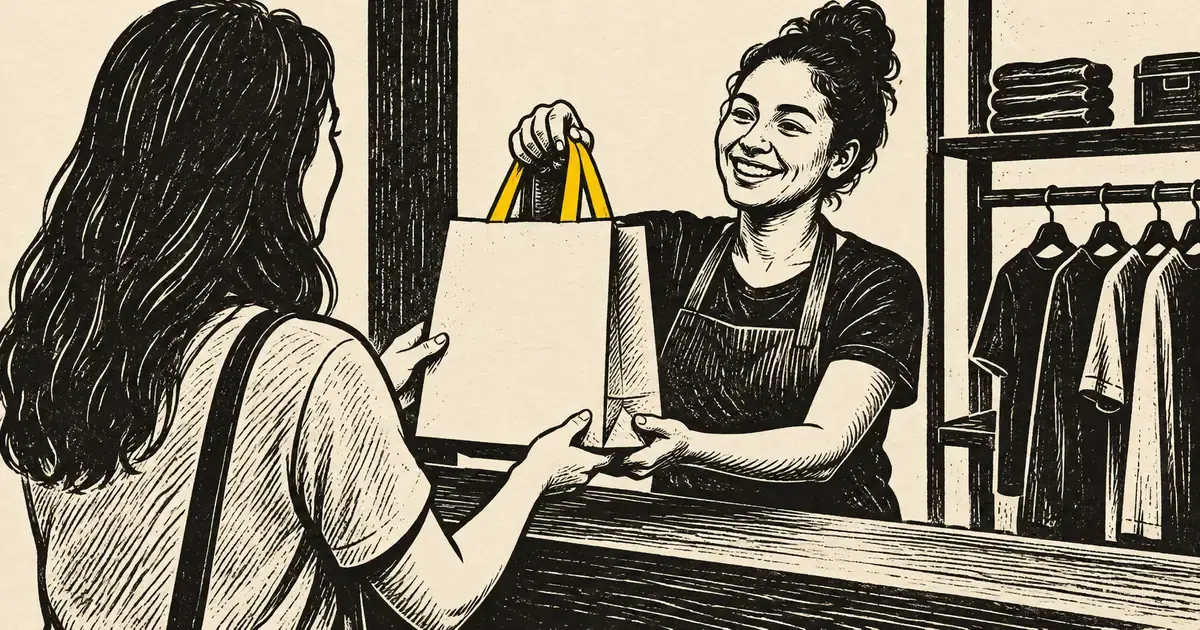
Photo: Avila Ops Tecnologia
Store pickup is the shipping option where customers buy on the website and collect at your address. Shipping costs zero for both sides, delivery happens the same day, and customers enter your space, where they see the rest of what you sell. For anyone with a physical location, studio, or even a business address with set hours, it is the shipping option with the best economics.
It serves local customers unwilling to pay shipping and last-minute orders Correios could not deliver in time, and restores foot traffic to the physical store as sales migrate online. Configured well, it becomes the first choice for nearby customers.
How do you configure pickup?
Five decisions before enabling it in the store:
- Address and hours. The full address appears at checkout and in order confirmation, with available pickup hours. If you do not serve customers Saturday, say so.
- Preparation time. “Ready for pickup within 2 business hours” or “the following day.” Customers need to know when to come, and you need time to prepare.
- “Ready” notification. An automatic WhatsApp or email message when the order is set aside. Without it, customers arrive before you have packed it.
- Who can collect. The customer or someone with the order number and identification. Record who collected it.
- Maximum period. An order not collected within 7 days, for example, returns to stock and is refunded, or becomes credit if the customer prefers. Write this in the policy and confirmation.
Pickup appears as a zero-cost shipping option alongside PAC and SEDEX, filtered by postal code or city. Customers in another city need not see it.
How does pickup change the calculation?
Compare with free shipping over a minimum value, calculated in Free shipping above what amount? The deciding calculation:
| Free shipping with a minimum | Store pickup | |
|---|---|---|
| Your cost | Absorbed label cost | Zero |
| Customer cost | Zero above the minimum | Zero, plus travel |
| Time | Business days | Same or next day |
| Risk of loss | Exists | Does not exist |
| Customer contact | None | In person |
Most people ignore the last item. Customers entering to collect a R$ 80 order see the display, ask about something else, and buy another item. Keep small impulse-buy products near the pickup counter. Use the opportunity to show new arrivals not yet on the website.
What mistakes spoil pickup?
- Customers arrive and the order is not ready. The worst scenario: they paid, traveled, and now wait. The “ready” notice resolves this.
- Online inventory differs from physical inventory. Customers buy the last item online when it sold at the counter an hour earlier. Unified inventory updated in both places is mandatory for pickup; the guide website inventory: what customers see when it runs out covers this.
- An address that is hard to find. Put the map link in confirmation and keep Google Business Profile address and hours correct; see how do I make my company appear on Google.
- Pickup without prior payment. “Reserve and pay at the store” creates phantom orders: customers never come and the product was held. Pickup is for paid orders.
Does pickup work without a physical store?
Yes, with clear rules. People working from home or a studio can offer scheduled pickup, sending the address only after payment and confirming through WhatsApp. Another option is a partner pickup point: a friendly store, coworking space, or street business agreeing to hold packages for an agreed fee. In both cases, the timeframe and hours must be written at checkout.
What to do now
If you have an address with set hours, enable pickup today with the five definitions above. Then review recent weeks’ orders and see how many came from your city: that is the shipping you no longer need to absorb. Unified inventory for website and counter, automatic order-ready notices, and collection history without spreadsheets: avilaops.com/sistema-para-pequenas-empresas or contact us on WhatsApp: wa.me/5517997811471.
Frequently asked questions
Does store pickup need a tax invoice?
Yes, like any sale. The invoice is issued at payment and delivered with the product, printed or by email. Pickup does not change the tax obligation.
Can I charge for pickup?
Yes, but that defeats the point. Pickup works because it is free and fast. If preparation costs are high, extend preparation time instead of charging.
What if the customer does not collect the order?
Follow the written policy: notify within the timeframe, send a reminder, and after the maximum period cancel with a refund, or convert to credit if the customer prefers. Without a written rule, orders sit and inventory stays tied up.
Connections, made clear
From order to delivery, with every step in view.
An example of connecting E-Commerce with your team’s day-to-day work.
- OrderThe customer chooses items and places an order.
- ValidationCheck the details and product availability.
- ManagementSend the validated order to ERP.
- FulfillmentThe team prepares and dispatches the items.
- CustomerKeep the customer informed about next steps.
- Order. The customer chooses items and places an order.
- Validation. Check the details and product availability.
- Management. Send the validated order to ERP.
- Fulfillment. The team prepares and dispatches the items.
- Customer. Keep the customer informed about next steps.
Order
The customer chooses items and places an order.
Turn what you learned into your next step.
Tell us about your company and what you want to improve. We can explore the right tools, integrations or custom project together.