
Abandoned carts: the three most common reasons
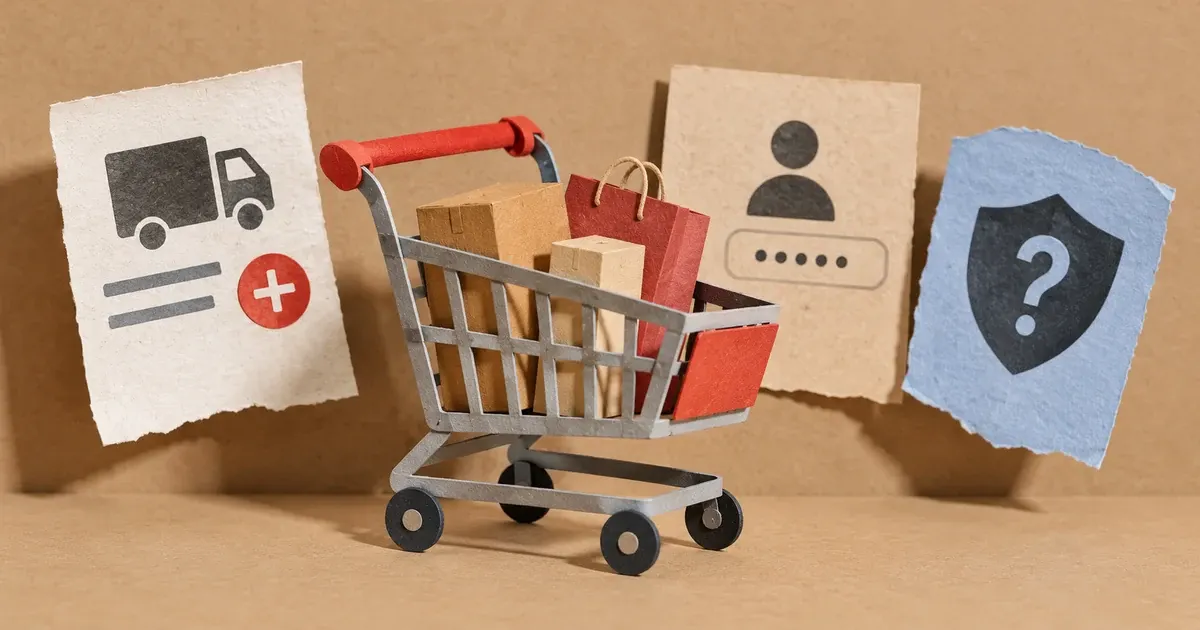
Photo: Avila Ops Tecnologia
An abandoned cart is an order customers assembled but did not pay for. Three of the reasons most cited in surveys (Baymard Institute, with US shoppers) are: shipping or a fee appearing only at the end; having to create an account before buying; and doubts that the store is real. All three are solved by changing the store, not the customer, before sending any recovery message.
An abandoned cart is a sale that already cost you advertising, photography, and descriptions but stopped at the door. Reducing this number costs less than attracting a new visitor.
Reason 1: shipping or fees appearing at the end
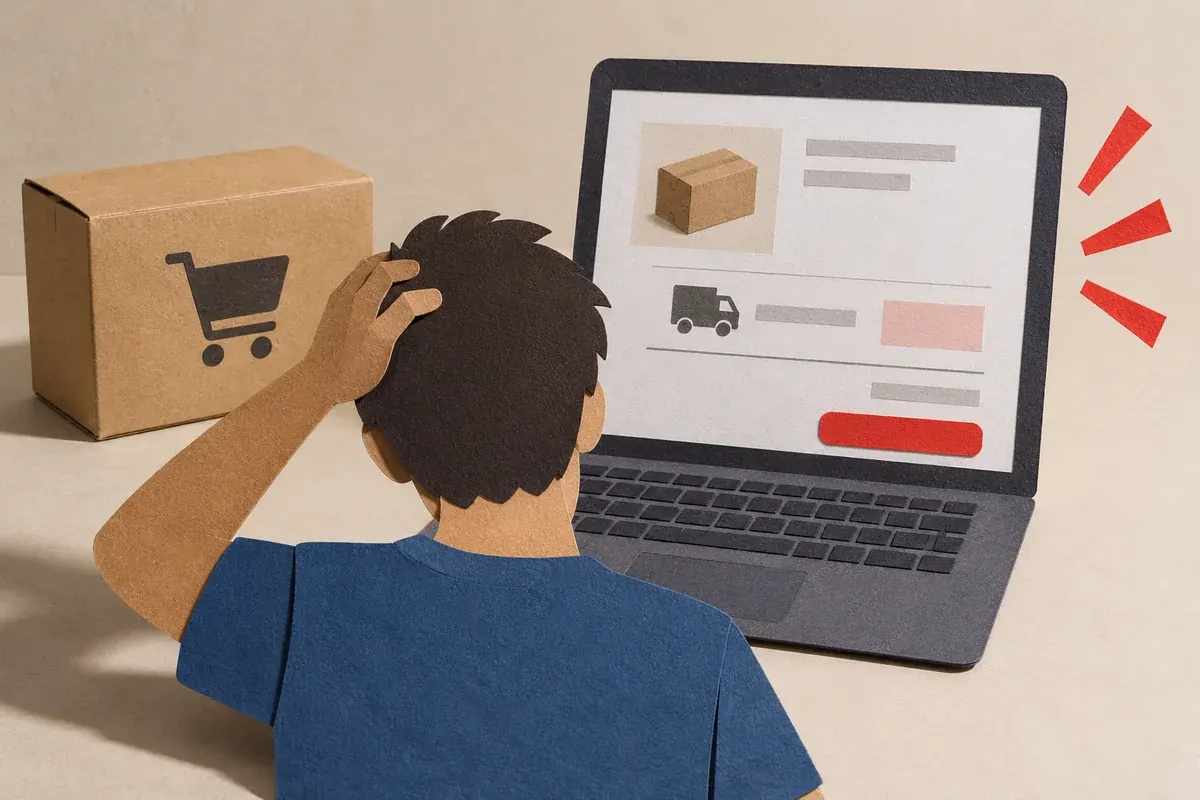
Photo: Avila Ops Tecnologia
Customers choose a product for R$ 89, go to checkout, and discover R$ 27 shipping. Their mental calculation changes and they leave. It is not the amount itself; it is the surprise.
How to recognize it: most abandonment happens at the step where shipping appears. The platform shows where customers stopped.
What to do:
- Put shipping calculation by ZIP code on the product page and in the cart, before checkout.
- Show the delivery time in business days beside the price.
- Check that the amount is correct; inflated shipping from incorrect weight and dimensions is common, and the shipping calculation by ZIP code guide shows how to fix it.
- If you offer free shipping above a threshold, show how much more customers need in the cart.
Reason 2: mandatory registration
The store asks customers to create an account, with a password and email confirmation, before showing payment. First-time buyers do not want another password. They close the page.
How to recognize it: abandonment at login or registration, before the address screen.
What to do: allow guest checkout, asking only for information required for delivery and invoicing. Offer an account afterward, in the confirmation. This has its own guide: does asking customers to register before buying drive them away?
Reason 3: distrust
Customers reach checkout, look around, and fail to find what they need to trust it: CNPJ, address, phone number, exchange policy, browser padlock, a familiar payment method. They do not complain; they simply do not enter their card.
How to recognize it: abandonment on the payment screen with all information filled in. Or repeated cart visits without completion.
What to do:
- CNPJ, legal business name, and address in every page’s footer.
- Visible phone and WhatsApp contact, with fast replies.
- Exchange and privacy policies linked at checkout.
- An active security certificate (the padlock) and checkout on your domain, not an unfamiliar address.
- Pix and a familiar processor, such as Mercado Pago, as payment options.
The guide what is checkout, and why does it decide the sale? lists what checkout needs.
When should you send a recovery message?
Only after fixing all three reasons. A recovery message from a store with surprise shipping merely reminds customers why they left.
Once that is done, use this sequence:
| When | Channel | Content |
|---|---|---|
| 1 hour later | Email or WhatsApp, if the customer provided a number and agreed to contact | “Your cart is saved” with a direct link, no discount |
| 24 hours later | Same channel | A simple question: “do you have any questions about the product or shipping?” |
| 72 hours later, optional | Same channel | A small discount code valid for 48 hours, if margin allows |
Do not start with a discount code. Customers receiving a discount in the first message learn to abandon carts to get discounts. Respect those who did not agree to contact: WhatsApp messaging without consent is intrusive, violates WhatsApp Business policy (which requires prior authorization), and is difficult to justify under Brazil’s LGPD. Automating these messages with rules and schedules is covered in how to automate your business WhatsApp.
What to do now
Open your store’s abandoned cart report and see where most customers stopped. Shipping, registration, or payment: each step points to one of the three reasons. Fix the first one you find today. A store live in one day, with shipping on product pages, guest checkout, and checkout on your domain, without sales commission: avilaops.com/loja-virtual or contact us on WhatsApp: wa.me/5517997811471.
Frequently asked questions
What is an abandoned cart?
It is an order a customer assembled in the store but did not pay for. The platform records the items and, when email or phone information exists, lets you send a reminder. Some abandonment is normal; the part to fix is the part caused by the store.
Should I send abandoned-cart messages on WhatsApp?
Only if customers provided their number and agreed to contact. Without consent, the message is intrusive, violates WhatsApp Business policy (which requires prior authorization), and is difficult to justify under the LGPD. With consent, a short message linking to the cart usually gets read more than email.
Do discount codes recover abandoned carts?
Some, but they teach customers to abandon carts for a discount. Use them as the last step, with short validity, and only after fixing shipping, registration, and trust.
Connections, made clear
From order to delivery, with every step in view.
An example of connecting E-Commerce with your team’s day-to-day work.
- OrderThe customer chooses items and places an order.
- ValidationCheck the details and product availability.
- ManagementSend the validated order to ERP.
- FulfillmentThe team prepares and dispatches the items.
- CustomerKeep the customer informed about next steps.
- Order. The customer chooses items and places an order.
- Validation. Check the details and product availability.
- Management. Send the validated order to ERP.
- Fulfillment. The team prepares and dispatches the items.
- Customer. Keep the customer informed about next steps.
Order
The customer chooses items and places an order.
Turn what you learned into your next step.
Tell us about your company and what you want to improve. We can explore the right tools, integrations or custom project together.