
Labels and tracking: what to automate before the rush
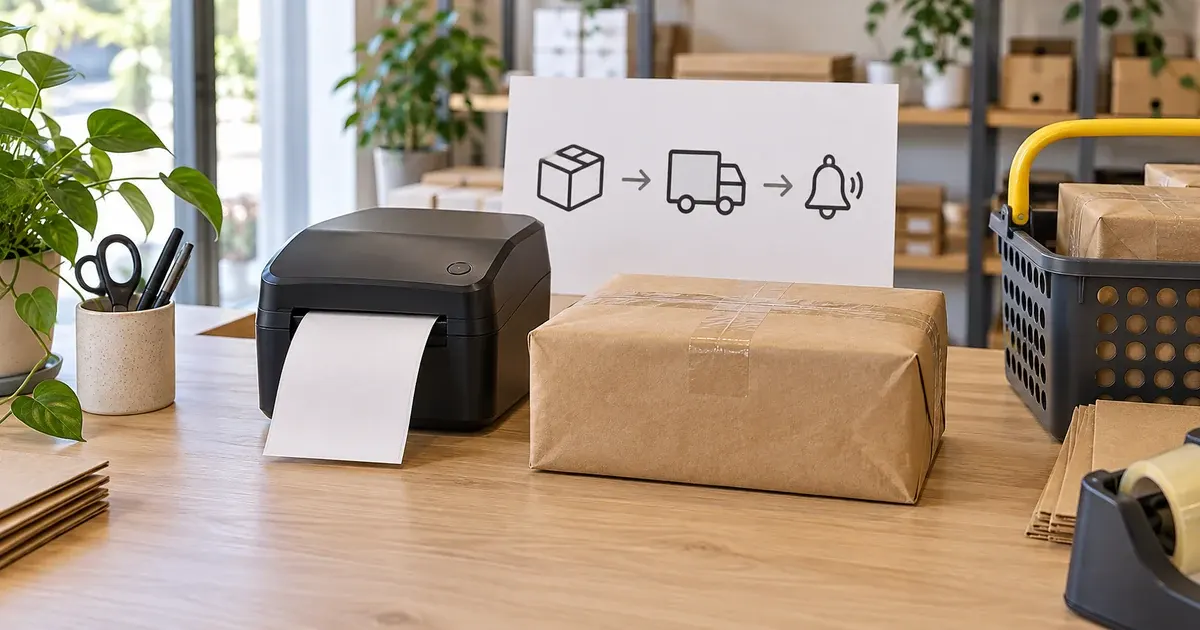
Photo: Avila Ops Tecnologia
Before the rush, automate three things: shipping labels generated from orders without retyping addresses; tax invoices issued alongside them with the same details; and tracking codes sent to customers through WhatsApp or email when packages ship. These are the three most time-consuming tasks per order and the ones causing most errors when done manually. At 60 orders a day, they add up to hours.
Setting this up means connecting the store to the carrier and invoice issuer, testing real orders, and correcting failures. It is October work; in November, it has to function.
What happens when it is done manually?
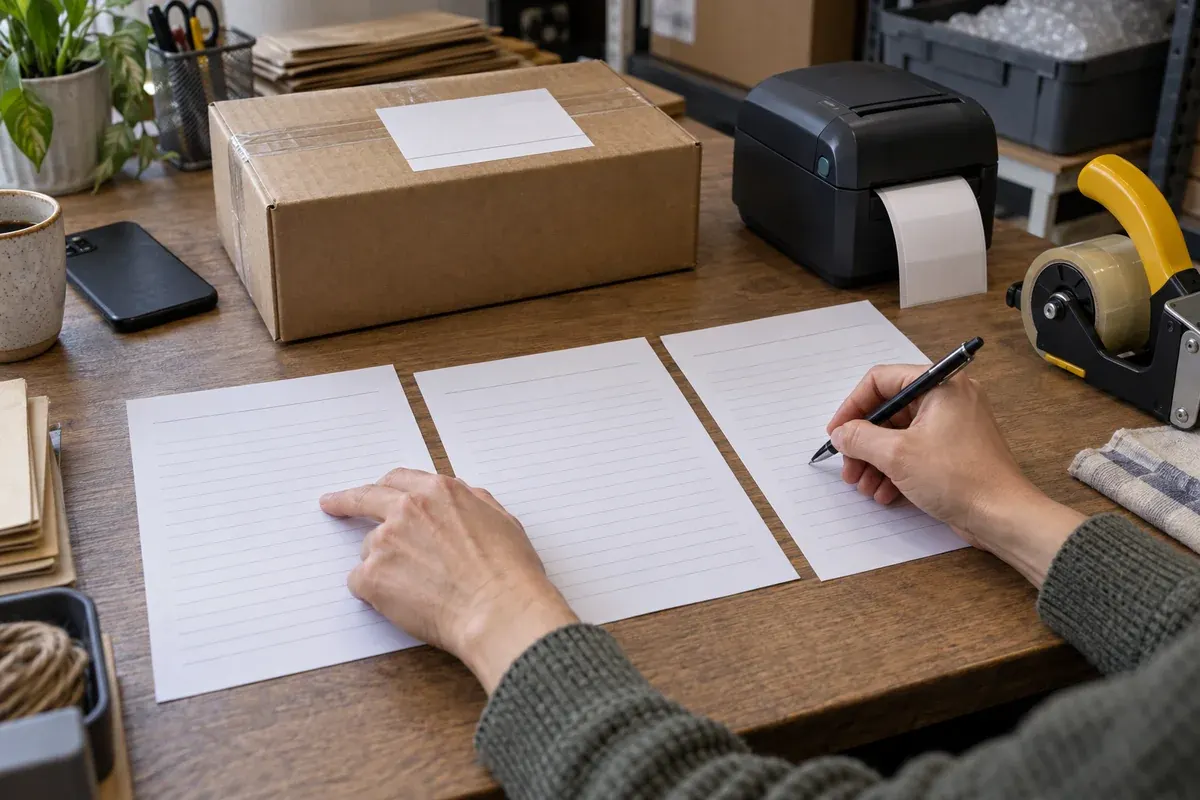
Photo: Avila Ops Tecnologia
Someone opens the order, copies the address, opens the Correios or carrier website, pastes field by field, checks the weight, generates the label, and prints. Then they open the invoice issuer, type products, issue, and print. Then copy the tracking code, open WhatsApp, find the customer, paste, and send. Between five and ten minutes per order, if nothing goes wrong.
Errors enter during copying: a wrong house number, a postal code missing a digit, forgotten address details. The package returns, customers complain, shipping is paid twice. Tracking not sent becomes November’s most common WhatsApp question: “where is my order?”.
What should you automate, and in what order?
| Order | What | What it needs |
|---|---|---|
| 1 | Label generated from the order | Store connected to Correios or the carrier, weight and dimensions entered per product |
| 2 | Tracking sent to customers when shipped | Automatic message connected to “shipped” status |
| 3 | Tax invoice issued alongside the label | Issuer connected to the store, products with NCM, valid certificate |
| 4 | Order status updated automatically | Store checking tracking, customer notified upon delivery |
Start with labels, where time and errors are concentrated. Each product needs weight and dimensions recorded; otherwise, labels have incorrect prices or fail to generate. This tedious October data entry pays for all of November.
Tracking follows: when an order changes to “shipped,” the store sends a message with the code and link. Customers stop asking, and when they do, the automatic answer already has the information. The order picking guide shows where this step fits.
Connecting tax invoices to the store is step three; electronic tax invoices explains what to confirm with your accountant first. This is the automation order, not the shipping order: packages leave only with an issued invoice, even if it is still created manually.
How do you test in October?
With 10 real orders from different regions passing through the complete flow: payment, label, invoice, dispatch, tracking message, delivery. Check each label’s address against the order, the charged weight against the actual weight, whether customers received the correct link, and whether store status changed automatically upon delivery.
Record failures and fix them before increasing volume. Common failures: products without recorded weights, carriers not serving a postal code without the store warning, tracking messages sent before packages are mailed. Carrier selection belongs here; how to choose a carrier includes integration as a criterion.
A personalized stationery store took seven minutes per order for label, invoice, and message. At 15 daily orders, almost two hours. After connecting the store to Correios, the issuer, and WhatsApp, time fell below one minute per order, spent checking and printing. On Black Friday, at 70 daily orders, the same person managed, and “where is my order” practically disappeared.
What to do now
Enter weights and dimensions for all campaign products this week. Connect the store to the carrier and test 10 orders. If your platform does not do this or does it halfway, we build label, invoice, and tracking automation on what you already use: avilaops.com/automacao-para-pequenas-empresas or contact us on WhatsApp: wa.me/5517997811471.
Frequently asked questions
How do I generate Correios labels automatically?
By connecting the store to Correios’ contracted integration service or a shipping platform doing this. A paid order generates a label using customer details and the product’s recorded weight.
Must tracking be sent through WhatsApp?
No, but that is where customers see it. Email serves as a record; WhatsApp reduces questions. Ideally both, triggered by the order status change.
Is automation worthwhile with fewer than 10 orders a day?
Yes, for error reduction even if time savings are small. November’s volume is not October’s: those automating at 10 reach 60 without changing anything.
Connections, made clear
Understand the workflow before connecting systems.
An automation example with validation, routing and exception handling.
- TriggerA form, order or schedule starts the process.
- ValidationCheck required fields and possible duplicates.
- Integrationn8n routes the data according to defined rules.
- Human reviewRoute exceptions and sensitive decisions to the team.
- RecordKeep the outcome available for monitoring.
- Trigger. A form, order or schedule starts the process.
- Validation. Check required fields and possible duplicates.
- Integration. n8n routes the data according to defined rules.
- Human review. Route exceptions and sensitive decisions to the team.
- Record. Keep the outcome available for monitoring.
Trigger
A form, order or schedule starts the process.
Turn what you learned into your next step.
Tell us about your company and what you want to improve. We can explore the right tools, integrations or custom project together.