
Order picking: the process preventing shipping errors
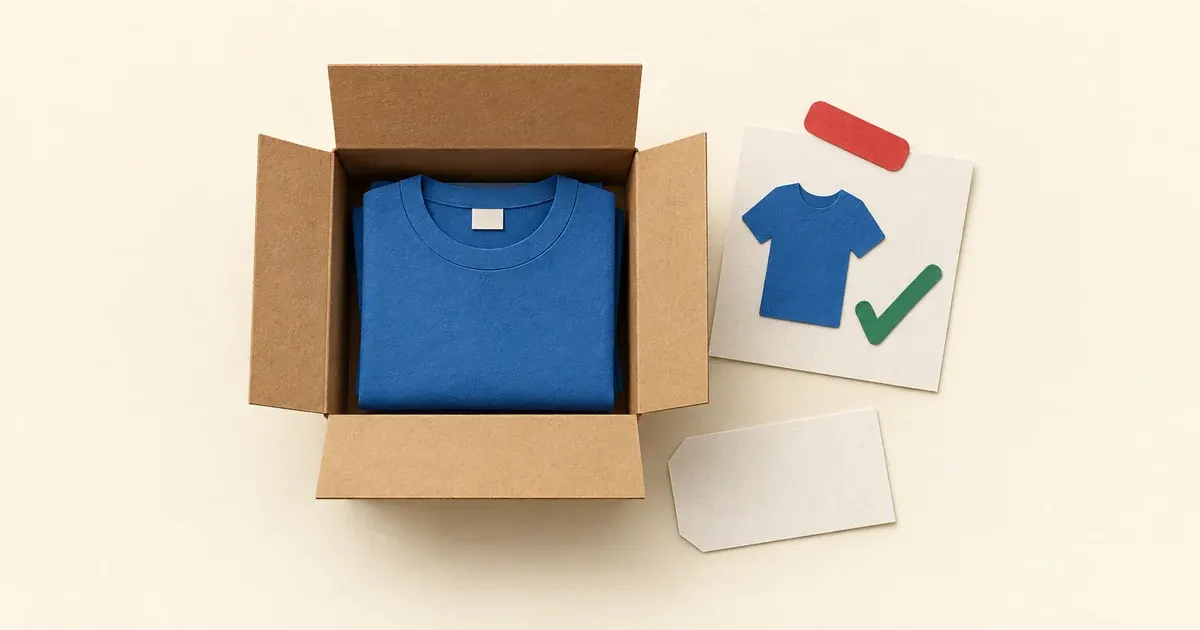
Photo: Avila Ops Tecnologia
Shipping errors, wrong products, incorrect quantities, one customer’s order in another’s box, arise from three causes: picking orders individually as they arrive, interrupting picking for other work, and labeling before checking contents. Prevention means batching at fixed times with printed or on-screen lists, checking before closing, and labeling last. It fits on one page and takes a week to become habit.
Write and test it at ordinary October volume; in November, simply run it more often. Processes created on peak day are improvisation, and improvisation mixes products up.
Why do orders ship incorrectly?

Photo: Avila Ops Tecnologia
Because pickers do two things. They take order 4821’s product, answer WhatsApp, return, and put it in 4822’s box. Or similar products, different sizes of one item or two volumes of one fragrance, sit together unidentified. Or labels were printed and attached to empty boxes before incorrect contents went in.
There is also mismatched inventory: the system says available, shelves say otherwise, and someone picks “something similar” to avoid delay. The Black Friday inventory guide covers that.
What are the six steps?
- Fixed times. Pick in blocks, for example 9 a.m. and 2 p.m., dispatching at 4:30 p.m. Orders arriving afterward enter the next block. Pickers do not answer WhatsApp during blocks.
- Batch list. Print or open all paid orders for that block, with products, variants, and quantities. Product grouping is better: retrieve 12 lavender candles at once and distribute rather than visit shelves 12 times.
- One order, one space. Place one order’s products in a tray or open box with its number on paper inside. Only then move to the next.
- Check before closing. Another person, or the same after the batch, checks every tray against the list: item, variant, quantity. Mark the list. Only then close boxes.
- Label last. Generate and attach labels to closed, checked boxes, reading the order number on the paper inside before attaching.
- Update and notify. Mark orders shipped, triggering customer tracking. The labels-and-tracking guide shows automation for this step.
What changes at peak times?
Block and staff counts, not the process. Two October blocks with one person become three Black Friday blocks with two, with checking always performed by someone other than the picker. The guide who does what on small teams explains roles.
Organize shelves beforehand: campaign products at eye level, similar variants separated by large labels, packaging assembled at the station. One minute saved per order across 80 orders is over an hour.
Example: a tea store with 30 blends in identical tins mixed up two or three orders weekly. After color-labeling shelf families, using trays per order, and second-person checks, it completed Black Friday with 240 orders and no mix-ups. Writing took an afternoon; establishing the habit took a week.
What to do now
Write the six steps with your times and post on the packing wall. Run for an October week, record errors, and adjust. If batch lists still come manually from screenshots, a system generating lists, reducing stock, and sending tracking is next: avilaops.com/sistema-para-pequenas-empresas or contact us on WhatsApp: wa.me/5517997811471.
Frequently asked questions
How many picking sessions per day?
One or two normally, three at peaks. Fixed uninterrupted blocks matter, rather than picking every arriving order.
Who should check orders?
Someone other than the picker whenever two people are available. Alone, check after completing the whole batch with the list, before closing any box.
What if an incorrect order shipped?
Notify customers before they discover it if possible, send the correct item the same day, and arrange reverse logistics for the wrong one. Reshipping costs less than public complaints.
Connections, made clear
From order to delivery, with every step in view.
An example of connecting E-Commerce with your team’s day-to-day work.
- OrderThe customer chooses items and places an order.
- ValidationCheck the details and product availability.
- ManagementSend the validated order to ERP.
- FulfillmentThe team prepares and dispatches the items.
- CustomerKeep the customer informed about next steps.
- Order. The customer chooses items and places an order.
- Validation. Check the details and product availability.
- Management. Send the validated order to ERP.
- Fulfillment. The team prepares and dispatches the items.
- Customer. Keep the customer informed about next steps.
Order
The customer chooses items and places an order.
Turn what you learned into your next step.
Tell us about your company and what you want to improve. We can explore the right tools, integrations or custom project together.