
Can your website handle peak traffic? How to test beforehand

Photo: Avila Ops Tecnologia
To know whether your website handles peaks, answer three questions: current page loading times, hosting capacity for simultaneous visits, and what happens above that limit. Test in October: the answer may be “change hosting,” requiring days rather than hours.
Websites crashing on Black Friday give no notice. First they slow, customers abandon carts, and only later do errors appear. Start tests with speed rather than crashes.
What should you measure before testing?
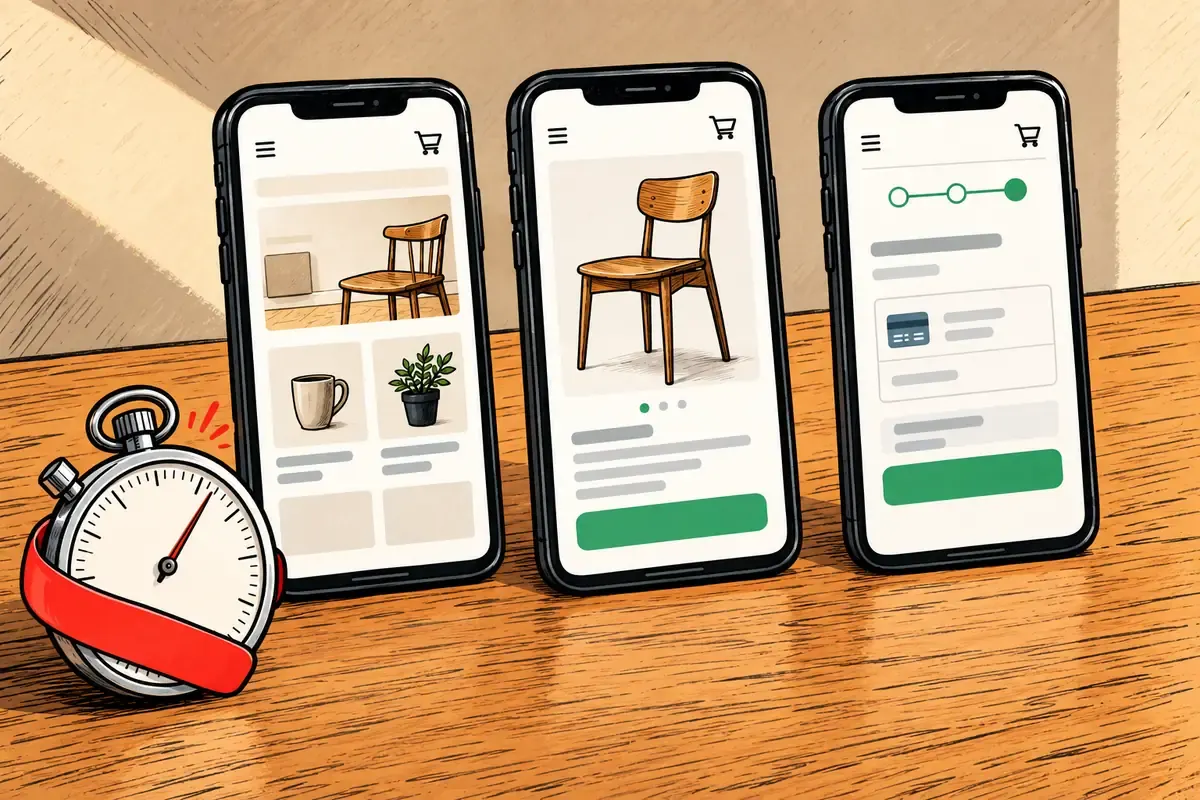
Photo: Avila Ops Tecnologia
Mobile-data loading times for homepage, product page, and checkout. Use free Google PageSpeed Insights, showing time until the largest element appears. Google considers below 2.5 seconds good, above four poor.
Measure page weights in megabytes too. Mobile product pages above 3 MB suggest uncompressed images; see heavy images. The slow-page guide covers other points.
How do you simulate peaks?
Find your normal peak first: website analytics’ highest hourly visitor count in three months. Multiply by five. A conservative estimate rather than a rule for small-store Black Friday with advertising running.
Ask hosting in writing how many simultaneous visits your plan supports and what happens above it: slowdown, errors, blocking. Vague answers suggest low limits.
For real tests, free load-testing tools simulate dozens of simultaneous visits. Notify hosting first and confirm your plan permits load tests. Target product pages outside business hours and watch response times rise. Where they double is the practical limit.
- Measure three main pages on mobile.
- Find the last three months’ hourly peak and multiply by five.
- Ask hosting for written limits.
- Convert step 2 to simultaneous visits (visitors per hour × average visit minutes ÷ 60). Above step 3’s limit, upgrade or change hosts now.
- Test complete purchases after any change.
What should be ready if it still crashes?
A static notice page hosted elsewhere with WhatsApp and Instagram links, ready for the domain to point to it. Set domain TTL to five minutes the preceding week so switching takes minutes, not hours. Save hosting support contacts and contract number on your phone. Prepare offer-product catalogs with payment links for WhatsApp selling during recovery.
A party-supply store advertises on Instagram Friday at 9 a.m.; its R$ 15/month shared hosting stops responding at 9:20. Without a notice page, ads keep running and every click wastes money. With a notice page and WhatsApp catalog, the morning still generates sales.
What to do now
Run PageSpeed on three main pages today and record results. Ask hosting about limits. If unconvinced, get a domain in your name and automatically renewed hosting without surprises: avilaops.com/dominio-e-hospedagem or contact us on WhatsApp: wa.me/5517997811471.
Frequently asked questions
How many simultaneous visits do small stores get on Black Friday?
Depends on ads and customer base. A conservative estimate multiplies the largest hourly peak in three months by five. If never measured, start with website analytics.
Does shared hosting handle Black Friday?
Sometimes for low-traffic stores with light pages. Neighbors sharing the server may also have Black Friday. Advertisers should consider at least dedicated-resource plans during November.
What if the website crashes mid-campaign?
Point the domain to the notice page, pause ads, contact hosting support, and sell via WhatsApp payment links until recovery. Prepare all of this in October.
Connections, made clear
From idea to published page, with a review.
An editorial workflow to keep content clear and organised.
- GoalDefine who the page is for and what it should communicate.
- ContentPrepare the copy, images and information.
- PreviewCheck the presentation before publishing.
- ReviewValidate content, links and next steps.
- PublicationPublish and keep the information up to date.
- Goal. Define who the page is for and what it should communicate.
- Content. Prepare the copy, images and information.
- Preview. Check the presentation before publishing.
- Review. Validate content, links and next steps.
- Publication. Publish and keep the information up to date.
Goal
Define who the page is for and what it should communicate.
Turn what you learned into your next step.
Tell us about your company and what you want to improve. We can explore the right tools, integrations or custom project together.