
Search and filters in your store: why you need both
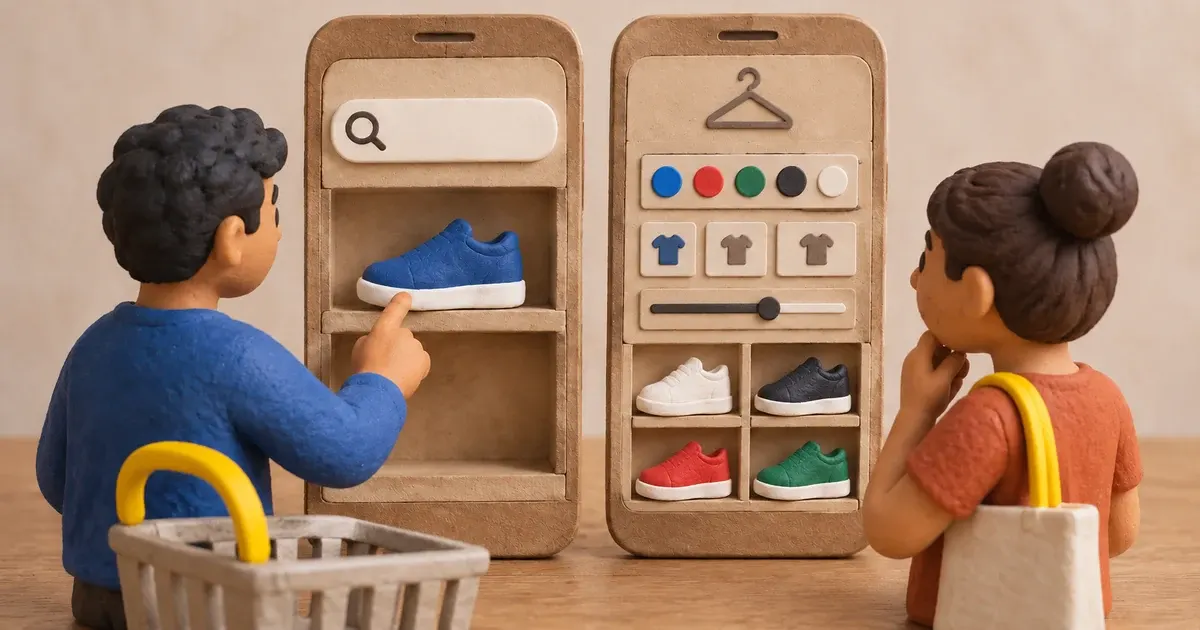
Photo: Avila Ops Tecnologia
Search serves people who already know what they want and type it. Filters serve those choosing and needing to narrow a list: size, color, price, brand. These are two different customers, and a store with only one feature loses the other. From around 30 product pages onward, a store needs genuinely working search and filters on category pages.
With search and filters, customers find products in ten seconds; without them, they give up after the third scroll. Search also leaves a report: what people typed shows what they want that you lack, or sell under another name.
What must search do?
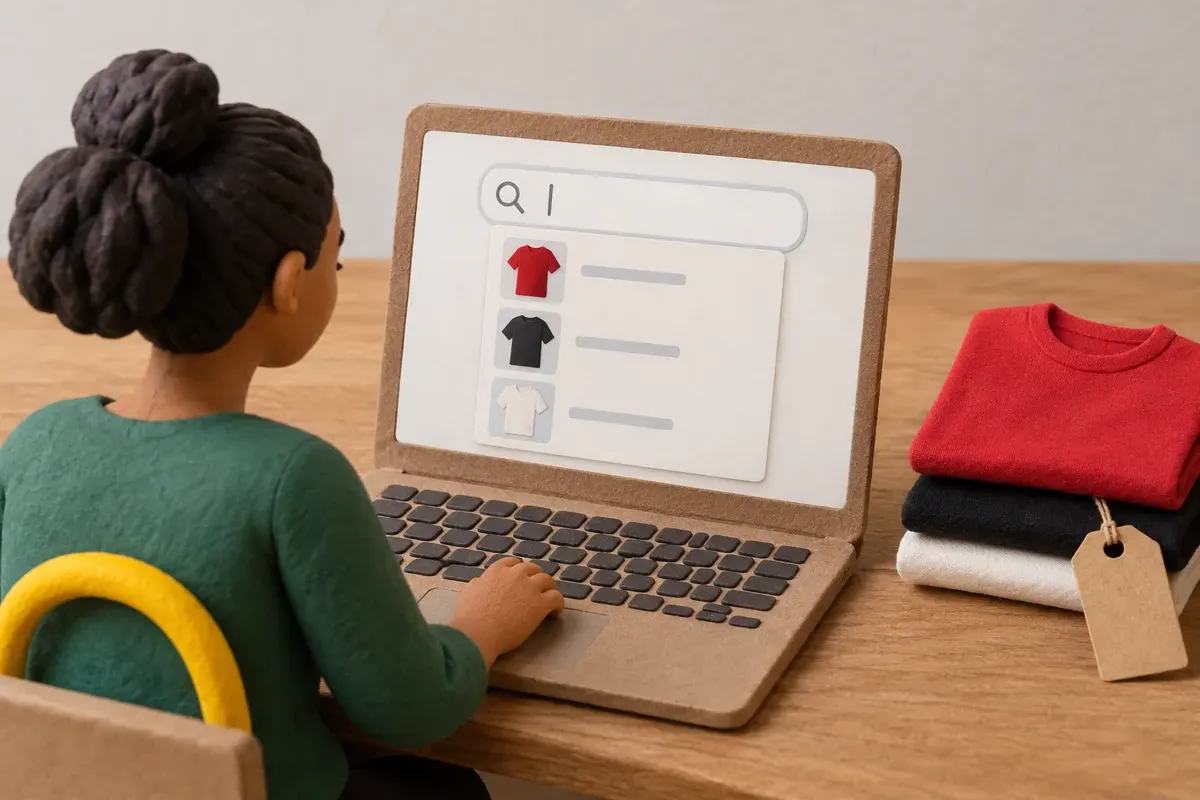
Photo: Avila Ops Tecnologia
Existing is not enough: search must return the right product even when customers make mistakes.
- Tolerate typos and accents. “t-shrit” and “t-shirt” must return the same results.
- Search titles, descriptions, and variants. Someone typing “red” must find a T-shirt whose red color appears only in its variants.
- Show suggestions while typing, with photos and prices. This reduces effort and shows available products.
- Never return an empty page. With no results, show bestsellers, the nearest category, and an invitation to contact WhatsApp.
- Record what was typed. This is the store’s most useful report, discussed below.
If your platform searches only titles, titles must contain customer vocabulary. Another reason to follow product titles: how customers search, not what you call it.
Which filters are worthwhile?
Too many filters confuse as much as too few. The rule: only filters dividing the category into similarly sized groups and used by customers to decide.
| Filter | When it makes sense | Caution |
|---|---|---|
| Size | Clothing, shoes, accessories | Sold-out sizes appear crossed out and cannot be selected |
| Color | Any product with color variants | Group shades (all blues under “blue”) |
| Price range | Any category with over 20 products | Enough products in each range |
| Brand | Only when selling multiple brands customers search for | One own-brand line needs no filter |
| Specific attribute | Material, voltage, gluten-free, for oily skin | One or two per category that determine purchases |
| Availability | “In stock only” | Enabled by default, with an option to see sold-out items |
Sorting is different: lowest price, highest price, bestsellers, newest. Offer these four and stop. Stock filtering connects with the rule for displaying sold-out products, explained in website inventory: what customers see when stock runs out.
On mobile, filters sit behind a “Filter” button opening a screen with live-updating result counts. Desktop-style sidebar filters do not fit.
How do you read the search report?
Once weekly, open the list of store search queries. Three columns matter: term, search count, and no-result count. Sort into four piles:
- Searched and found: correct. Check that the first result is the best product.
- Searched with another name: the customer typed “hoodie” and you call it “sweatshirt.” Add the term to the title or as a synonym.
- Searched for something you do not sell: “socks” in a sneaker store. If it appears weekly, it is a request for a new product.
- Searched with errors: missing accents or misspellings. Search must tolerate these; if not, add variants as synonyms.
This report also feeds categories: a frequently searched term currently existing only as a filter may deserve its own category. See the reasoning in what store categories are for.
What to do now
Run three mobile searches in your store: one with a typo, one for a product color, and one for something you do not sell. Record what appears. Then open the largest category and see whether two filter taps can get you to a product. Get a store live in one day, with typo-tolerant search, category filters, and a search report, with no sales commission: avilaops.com/loja-virtual or contact us on WhatsApp: wa.me/5517997811471.
Frequently asked questions
Does a small store need search?
Below 30 products, well-organized categories suffice and search is secondary. Above that, search becomes the main path for people knowing what they want, and search reports become valuable in their own right.
How many filters should a category have?
Three to five. Size, color, and price cover most physical-product stores; one or two category-specific attributes complete them. With more, customers tend to ignore them.
What should happen when search finds nothing?
Never show an empty page. Display bestsellers, suggest the nearest category, and offer WhatsApp. Record the term: if many people search unsuccessfully, you need to add or rename a product.
Connections, made clear
From order to delivery, with every step in view.
An example of connecting E-Commerce with your team’s day-to-day work.
- OrderThe customer chooses items and places an order.
- ValidationCheck the details and product availability.
- ManagementSend the validated order to ERP.
- FulfillmentThe team prepares and dispatches the items.
- CustomerKeep the customer informed about next steps.
- Order. The customer chooses items and places an order.
- Validation. Check the details and product availability.
- Management. Send the validated order to ERP.
- Fulfillment. The team prepares and dispatches the items.
- Customer. Keep the customer informed about next steps.
Order
The customer chooses items and places an order.
Turn what you learned into your next step.
Tell us about your company and what you want to improve. We can explore the right tools, integrations or custom project together.